You can customise payment options for individual customers.
Navigate to Customers > Customer List.

From there, click 'Edit' next to the customer that requires updating.

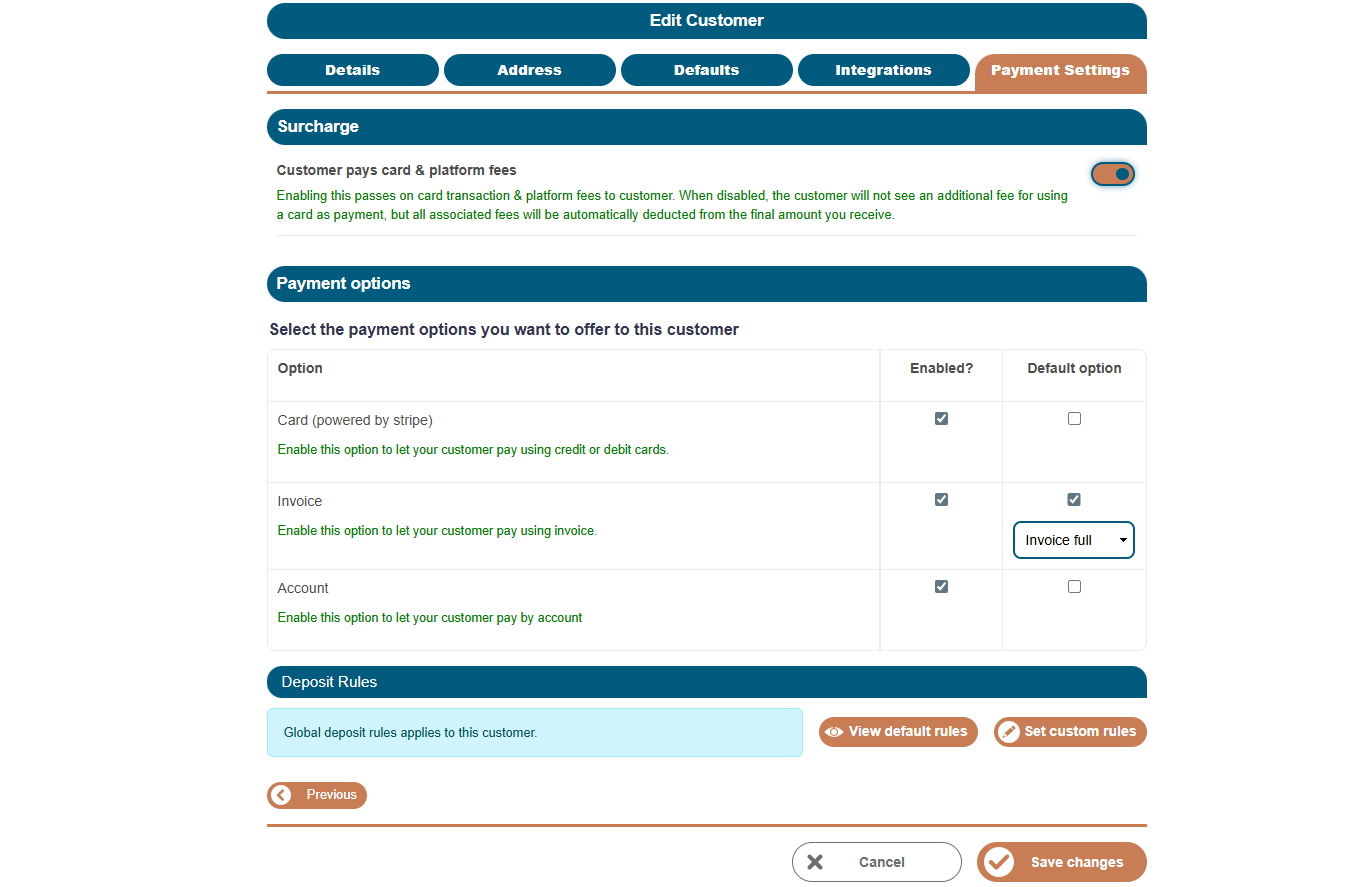
From here you can select the tab 'Payment Settings' to:
enable or disable card payments
enable or disable invoice payments
enable or disable account payments
set a default payment method
override deposit rules for that customer
This allows you to support different commercial arrangements for different customers.
Was this article helpful?
That’s Great!
Thank you for your feedback
Sorry! We couldn't be helpful
Thank you for your feedback
Feedback sent
We appreciate your effort and will try to fix the article